GM’s new truck UI lets CarPlay share the screen
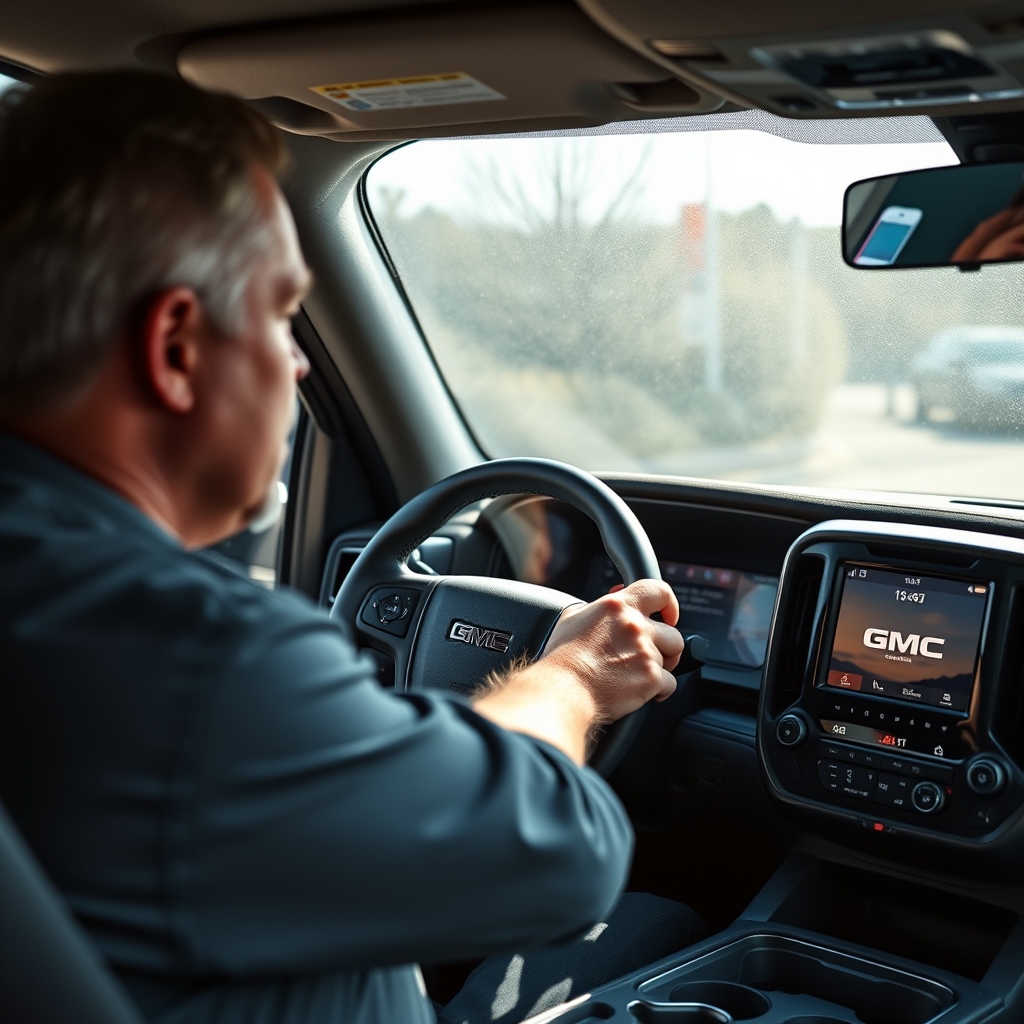
According to The Verge, General Motors will debut a next‑generation infotainment interface on the 2027 Chevrolet Silverado 1500 and GMC Sierra 1500 later this year. The redesign adds more than 60 inches of combined display area and introduces picture‑in‑picture (PiP) phone projection, letting drivers keep native truck functions on screen while using Apple CarPlay or Android Auto.
New UI Overview: Bigger Screens, Smarter Layouts
The fresh interface spreads across the instrument cluster, a central touchscreen, and an optional passenger screen, creating a continuous visual canvas. Larger buttons and broader tap zones are meant to reduce the need for precise finger work on rough roads, a point highlighted by GM’s group product manager for Google built‑in projection, Colin McCormick. Animated transitions replace abrupt screen‑takeovers, so a media player can stay visible while a side panel slides in for navigation or settings. Physical knobs for HVAC remain, but many routine controls—such as the oil dipstick reading—have migrated to digital read‑outs.
How Picture‑in‑Picture CarPlay Changes Interaction
Previously, connecting a phone via CarPlay or Android Auto forced the native system off the screen, demanding a manual toggle back to truck controls. The new PiP mode treats the phone app as a large contextual card that occupies only part of the display. Selecting the CarPlay icon expands the card; hitting the native home button collapses it, restoring the split‑screen layout. This design lets drivers glance at a navigation app while still seeing trailer‑aware information, off‑road metrics, or climate settings.
What the Trade‑off Means for Drivers and the Brand
The practical benefit is clear: drivers no longer have to choose between a phone app and essential truck data, which reduces the temptation to glance away from the road to toggle screens. However, the shift also signals GM’s compromise after its 2023 decision to block CarPlay and Android Auto on electric models. By keeping the native UI visible, GM avoids the safety criticism that full‑screen phone mirroring created, yet it still concedes to consumer demand for familiar smartphone ecosystems. The trade‑off is a more complex software stack that must manage two rendering pipelines simultaneously, potentially increasing OTA (over‑the‑air) update size and testing overhead.
Comparison Table: Old vs. New Interface
| Feature | Current Generation (pre‑2027) | 2027 Silverado/Sierra UI |
|---|---|---|
| Screen real‑estate | ~40‑50 inches total (instrument + center) | 60 + inches across three screens |
| Phone projection | Full‑screen takeover, no native view | Picture‑in‑picture card, native view retained |
| Button size | Small tap zones, prone to mis‑taps on rough roads | Larger buttons, bigger tap zones |
| Physical controls | Mostly physical HVAC, limited digital panels | Physical HVAC kept; oil dipstick now virtual |
| Transition style | Abrupt screen swaps | Animated side‑panel slides |
| OTA update plan | Minor bug fixes | Ongoing OTA refinements expected |
What to Watch as GM Rolls Out OTA Updates
GM plans to deliver the new UI only to new‑truck buyers; existing owners will keep the legacy system unless a future OTA expands the feature set. Because the company sells close to 900,000 Silverado and Sierra units annually, the initial feedback loop will be massive. Key signals to monitor include: (1) driver‑reported distraction levels after the first software month, (2) OTA frequency and size—larger updates could hint at unresolved integration bugs, and (3) how quickly GM restores CarPlay/Android Auto on its EV lineup, given the earlier ban. If the PiP mode proves popular, GM may extend it to lower‑volume models and perhaps re‑enable full‑screen mirroring where screen size is less critical.
Actionable steps today
- If you are shopping for a new full‑size truck, verify that the listed vehicle includes the 2027‑era infotainment system; the split‑screen UI is a selling point for safety‑concerned buyers.
- Current Silverado or Sierra owners should keep an eye on GM’s OTA notifications; a future update could bring selective PiP features to older models.
- For fleet managers, request a demo of the trailer‑aware navigation and PiP CarPlay to assess whether the new UI reduces driver distraction in real‑world routes.
- Finally, if you rely heavily on phone apps while driving, test the PiP experience at a dealership to ensure the split view meets your workflow before committing to purchase.