Apple HomeView May Soon Double as a HomeKit Secure Video Camera
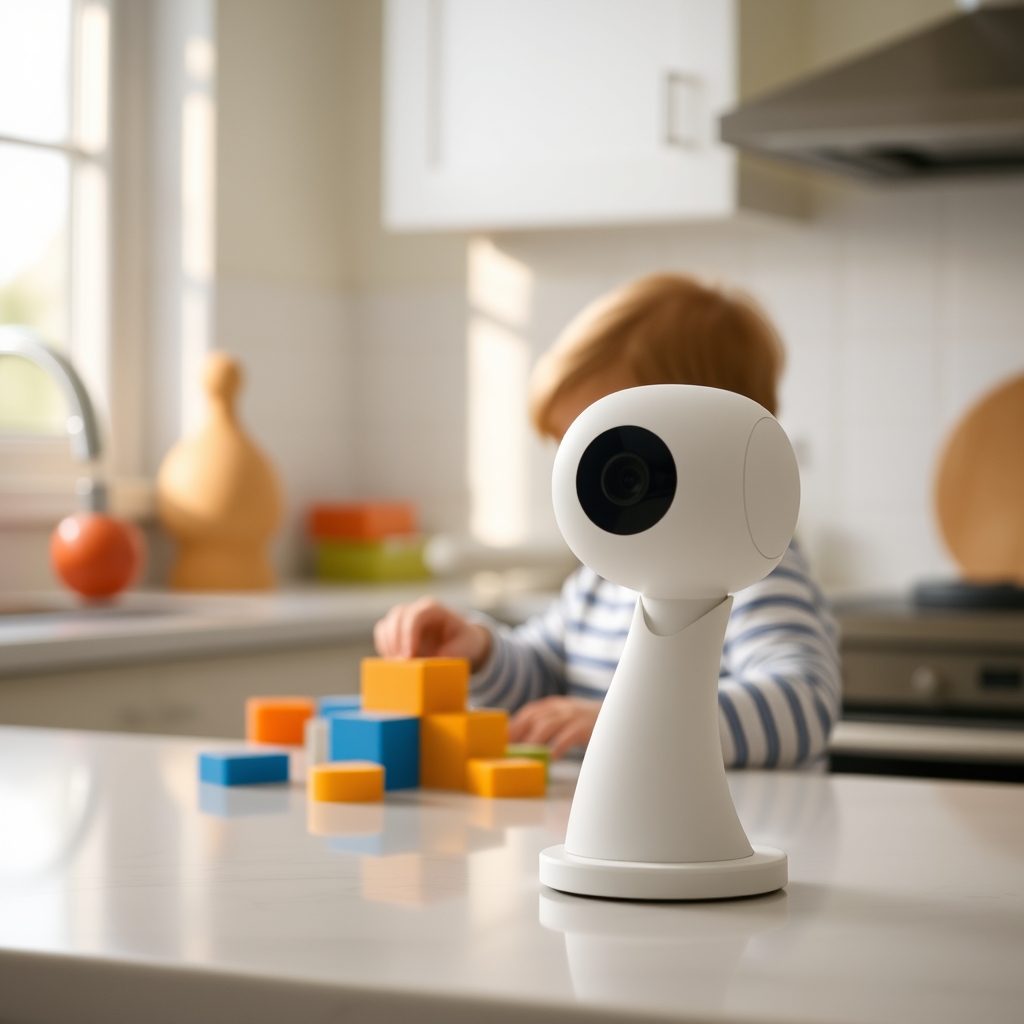
Apple’s HomeView smart‑home hub might soon gain a built‑in security camera mode, according to hidden code strings that reference HomeKit Secure Video. If the feature arrives, a single device could handle voice control, automation, and video monitoring, tightening Apple’s hold on the home‑automation market.
Hidden strings point to a camera mode
According to The Verge, a Reddit user uncovered strings in HomeView 27.2 firmware that mention a "security camera mode" with motion detection, live streaming, and recording options. One line reads, “Your HomeView can be used as a security camera with HomeKit Secure Video.” The same excerpt notes privacy‑focused behaviours: an indicator light and an audible cue when someone watches the feed or when recording starts, plus notifications for any settings change. The strings also describe customizable detection based on whether the user is home, away, or asleep.
How HomeKit Secure Video works today
HomeKit Secure Video is Apple’s encrypted video‑storage service that routes footage through iCloud, keeping it out of the hands of third parties. When a compatible camera detects motion, the clip is uploaded to iCloud, then analysed on‑device for people, animals, or vehicles. Users can set up notifications, define who in the home can view the feed, and rely on end‑to‑end encryption.
| Feature | Current HomeKit Secure Video (third‑party cameras) | Potential HomeView Secure Video |
|---|---|---|
| Camera hardware | Separate accessory (e.g., Logitech Circle View) | Integrated into HomeView hub |
| Storage | iCloud + plan (50 GB‑2 TB) per user | Same iCloud + plan, but shared with hub usage |
| Motion analysis | On‑device neural engine in camera | Likely same on‑device analysis, using HomeView’s processor |
| Privacy cues | Indicator LED on camera | LED + sound on HomeView, per code strings |
| User access | Home members via Home app | Same, but no extra device to manage |
The main technical shift is moving the video capture component from a standalone camera to the HomeView’s built‑in microphone array and camera hardware (if added). Apple would need to allocate enough processing power for real‑time encoding and analysis while preserving the hub’s existing audio‑only functions.
Where the feature fits in Apple’s ecosystem
Apple introduced HomePod and HomePod mini as voice‑only hubs, deliberately omitting cameras to avoid privacy backlash. HomeKit Secure Video already exists, but it relies on third‑party cameras that must meet Apple’s strict encryption standards. By turning HomeView into a camera, Apple would close the loop: one device that talks to HomeKit, stores footage in iCloud, and enforces the same privacy guarantees.
The move also mirrors competitors. Google’s Nest Hub (2nd gen) and Amazon’s Echo Show already blend voice assistants with cameras, offering basic motion alerts and live streams. Apple’s version would differentiate itself through on‑device analysis and the absence of ads or data mining, a point the company often highlights in its marketing.
The trade‑off nobody spells out
Adding a camera to HomeView creates a hardware‑resource conflict. The hub’s current design prioritises high‑fidelity audio processing and Wi‑Fi/Thread connectivity. Continuous video capture demands more power, potentially raising the device’s temperature and shortening its lifespan if not engineered carefully. Users may also see a rise in iCloud + costs because video storage counts against the same quota used for photos, backups, and other HomeKit clips.
Privacy, while a selling point, could become a liability. An indicator light and sound are meant to make recording obvious, yet the hub sits in a central location—often a kitchen or living room—where users may not expect constant video. If the hub is compromised, a single point of failure could expose both audio commands and video feeds. Apple would need to reinforce its secure‑boot chain and possibly offer a hardware‑level kill‑switch to maintain trust.
Finally, existing third‑party camera manufacturers might lose market share. Brands that have built ecosystems around HomeKit Secure Video—such as Logitech, Eve, and Aqara—could see reduced sales if Apple bundles a camera into the hub at a comparable price point. Conversely, developers who build HomeKit automations stand to benefit from a richer sensor set in a single device.
What to watch next
Apple typically announces new HomeKit features at WWDC (June) or a September hardware event. Look for a software update that bumps the HomeView version beyond 27.2; the presence of a new "Secure Video" toggle in the Home app would confirm the rollout. Keep an eye on iCloud + pricing changes—Apple may adjust storage tiers to accommodate the extra video load.
If you already own a HomeView, you can prepare by:
- Ensuring your iCloud + plan has enough storage for video clips.
- Updating to the latest iOS and Home app versions.
- Reviewing Home members’ permissions, as the new mode will send notifications when settings change.
- Considering the placement of the hub; a spot with a clear view and minimal glare will yield better motion detection.
For those still evaluating a smart‑home hub, compare the integrated camera route with dedicated HomeKit‑compatible cameras. If you value a single‑device setup and trust Apple’s privacy model, waiting for HomeView’s camera rollout makes sense. If you need higher‑resolution video or more flexible mounting options, a separate camera may still be the better choice.