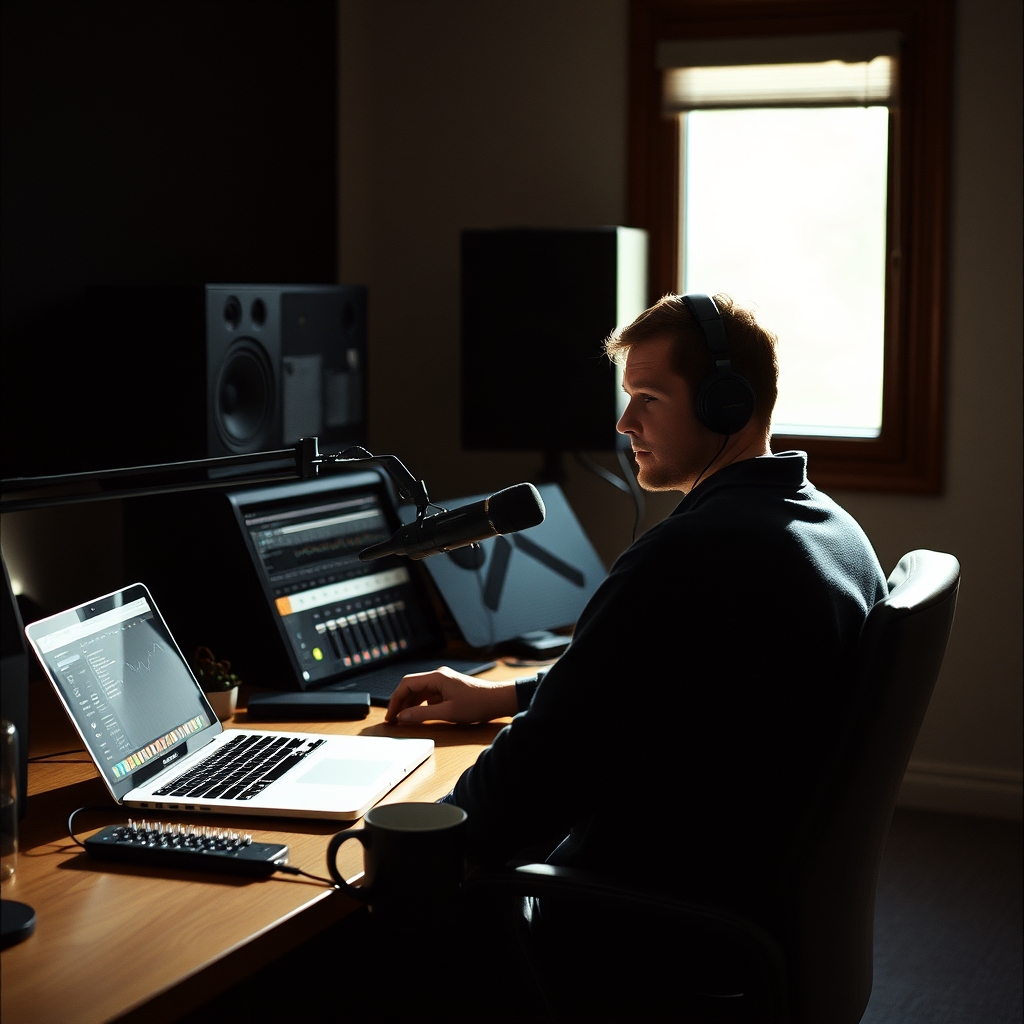
The Real Value of 2026’s Top Desktop Speakers

According to WIRED, the latest round of desktop speakers has been trimmed to a handful of models that balance sound quality, connectivity, and price for most users.
What WIRED Tested and Which Models Stood Out
The guide evaluated more than 30 pairs, ranging from tiny monitors to a 2.1‑channel soundbar. Three units consistently topped the list:
- Audioengine A2+ – praised for its balanced mids, clear highs, and the addition of Bluetooth 5.3, 24‑bit audio, and USB‑C with an internal DAC.
- Creative XF1 – lauded for warm sound, a 10‑band parametric EQ via the Nexus app, and Bluetooth 6.0.
- iLoud Micro Monitors – noted for plug‑and‑play simplicity, good bass for their size, and Bluetooth A2DP.
Each model brings something different to a typical PC setup, whether you need a compact pair for a cramped desk or a system that can double as a modest home‑theater solution.
How Desktop Speakers Actually Deliver Audio
Most modern speakers hide three key pieces of tech:
- Digital‑to‑Analog Converter (DAC) – translates the digital audio stream from your computer into an analog signal the drivers can use. The A2+ includes a built‑in DAC, meaning a USB‑C connection can bypass the computer’s sound card for cleaner playback.
- Amplifier Class – Class‑D amps, used in the Creative models, are tiny and efficient, allowing higher power output without heating up the enclosure.
- Wireless Protocols – Bluetooth 5.3 (Audioengine) and 6.0 (Creative) improve range and reduce latency, but they still add a few milliseconds of delay, which can be noticeable in fast‑paced games.
Understanding these components helps explain why a speaker with a higher price tag isn’t always louder – it may simply have a better DAC or more refined amplification.
Comparison of the Three Front‑Runners
| Model | Approx. Price (USD) | Connectivity | Subwoofer Option | Notable Pros | Notable Cons |
|---|---|---|---|---|---|
| Audioengine A2+ | $269 (2025 update) | USB‑C (DAC), Bluetooth 5.3, RCA | Optional sub via 15° stands | Excellent clarity, compact, built‑in DAC | No remote, awkward volume knob on left speaker |
| Creative XF1 | $180 (often on sale for $130) | USB‑C, 3.5 mm, Bluetooth 6.0, sub‑out | Optional sub via output port | Warm sound, 10‑band EQ app, energy‑saving mode | Power button can switch modes unintentionally |
| iLoud Micro Monitors | $199 | 3.5 mm, Bluetooth A2DP | No sub‑out | Easy setup, good bass for size, fold‑out feet | No USB‑C or DAC, visible logo |
If you already own a USB‑C‑enabled laptop, the A2+ can give you the cleanest signal path. For users who love tweaking sound, the Creative XF1’s app is a clear advantage. And for anyone who wants a plug‑and‑play pair without fiddling with drivers, the iLoud monitors are the most straightforward.
Why the Audioengine A2+ Still Leads the Pack in 2026
The A2+ wins not because it’s the loudest, but because it hits the sweet spot of sound fidelity, desk footprint, and future‑proof connectivity. Its internal DAC means you can bypass a noisy onboard sound card, a benefit that becomes more noticeable as streaming services push higher‑resolution audio. The added Bluetooth 5.3 ensures lower latency than older versions, though it still lags behind a wired USB‑C link by a few milliseconds – a trade‑off you’ll notice only in competitive shooters.
The biggest hidden cost is the lack of a dedicated remote. Adjusting volume on the left speaker can be awkward during a video call, forcing you to reach around the desk. For a desktop that’s already cluttered, that extra movement may feel like a nuisance.
If you’re considering a soundbar instead of separate speakers, Creative’s Stage Pro offers HDMI ARC and optical inputs, letting you share the same speakers between PC and TV. That flexibility mirrors the approach many users take with a single monitor arm for both display and audio.
Practical Steps to Upgrade Your Desktop Audio Today
- Identify your primary use case – music and video calls benefit most from clear mids and highs (A2+), while gaming with strong bass may push you toward a sub‑enabled system like the Creative XF1.
- Check your computer’s ports – If you have a USB‑C port that supplies power, choose a speaker that uses it as the main input; otherwise, a 3.5 mm or Bluetooth connection will suffice.
- Place the speakers at ear level – Use the optional 15° stands for the A2+ or the fold‑out feet on the iLoud monitors to angle the drivers toward your head. Proper placement reduces the need for excessive volume.
- Fine‑tune with software – Install Creative’s Nexus app if you pick the XF1; experiment with the 10‑band EQ to match your room’s acoustics.
- Consider future expansion – If you think you’ll add a subwoofer later, pick a model with a sub‑out (A2+ or XF1). The iLoud monitors lack this, so you’d need a separate powered sub.
By following these steps, you can get a noticeable improvement in voice clarity for meetings, richer music playback, and better positional cues in games without over‑spending.
If you’re already upgrading other parts of your setup, you might also be eyeing the Samsung Galaxy Z Fold 8’s $300 Black Friday discount, which frees up budget for a solid speaker pair. And for those curious about the move toward voice‑first hardware, Nothing’s upcoming screen‑free AI device illustrates how speakers are becoming part of broader voice ecosystems.